You’ve got a product to promote, a sale coming up, and a pretty good idea for an ad. There’s just one thing missing – the video.
Getting one made means finding the right visuals, editing everything together and making sure it looks good on different screens. If you’re running a small business, that can mean extra time, extra money and a lot of back and forth.
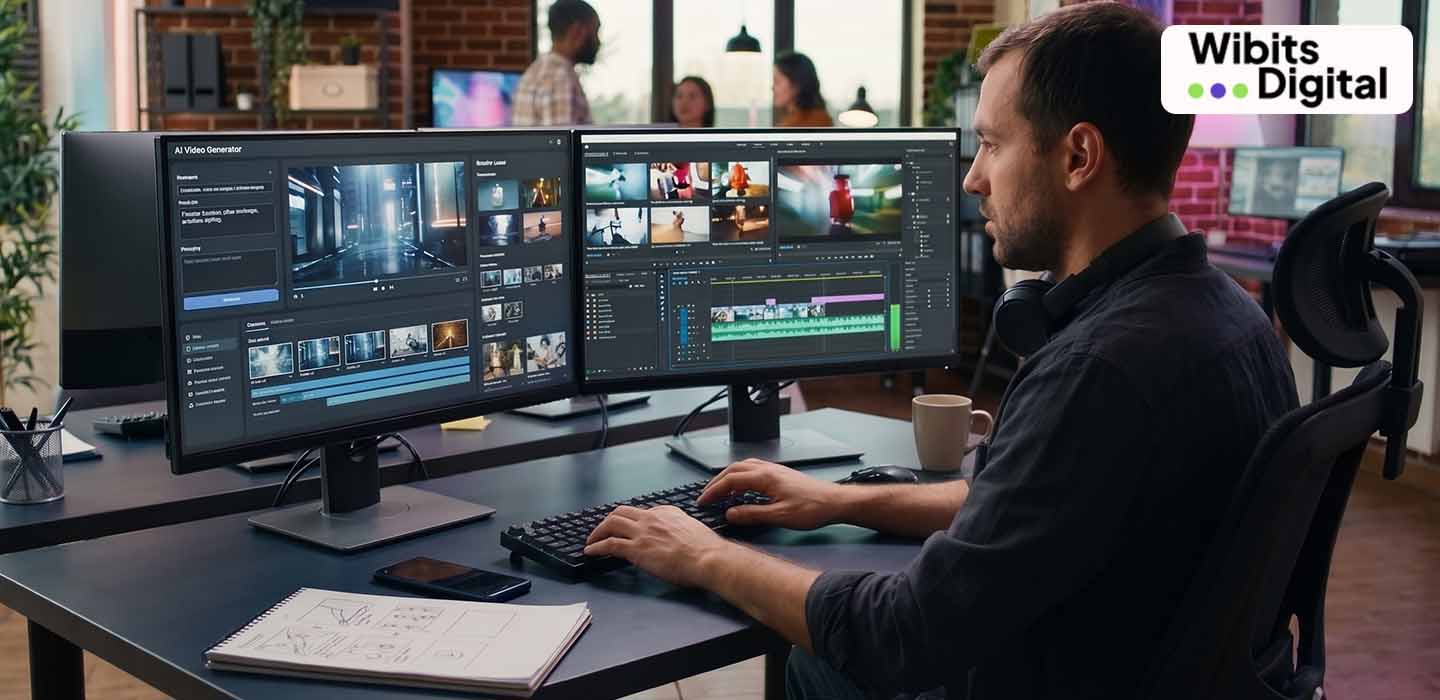
Google is looking to make this process simpler with its AI-powered video creation tools in Google Ads. Advertisers can use their existing brand materials to develop video ads, rather than building every scene from scratch.
Let’s take a closer look at what’s new and why it matters.
Already Have Product Photos? Start There.
Imagine you own a bakery and want to promote a festive gift box. You have photos of the products, your logo and a website showing what you sell. What you don’t have is a video ready for your next campaign.
Google’s Gemini Omni tools in Asset Studio are designed to help advertisers turn those existing materials into video content.
You can provide a brief explaining what you want to promote, along with relevant images and brand information. The tool can help develop video concepts and storyboards, which you can then review and refine.
That means you have a starting point without having to organise an entire video shoot.
Google shared details in its official announcement about Gemini Omni in Google Ads.
How Does It Work?
You don’t need to begin with a finished video. You begin with an idea and the materials you already have.
First, share your brand details. Add relevant product images, your website and a brief explaining what the ad needs to achieve. These give the tool useful information about your business.
Next, describe the video. Let’s say you’re advertising a new collection of clothing. You might want a video that highlights the latest designs and encourages people to visit your store. A clear brief helps guide the creative process.
Then, review what the tool creates. The generated scenes might need a few changes. You may want a different background, a clearer product focus or a stronger opening. You can refine the available creative elements before using the video.
Finally, prepare the right format. An ad designed for a mobile screen may need a different layout from one shown on a wider screen. Google’s video creation features support different aspect ratios for advertising placements.
For the latest feature details, visit Google’s official Gemini Omni announcement.
What Does This Mean for Businesses?
The interesting part isn’t just that AI can make videos. It’s that businesses have another way to try out their advertising ideas.
Think about a company promoting a new product. It could focus one ad on the product’s features and another on a special offer. It could also try a different opening to see which version catches people’s attention.
Producing each version separately can take time. AI-assisted tools can help make that creative process more manageable.
Here are a few practical benefits:
- Less time spent getting started: Existing images and brand materials give advertisers something to work with.
- More ideas to test: Businesses can explore different messages and creative approaches.
- Different formats for different placements: Advertisers can prepare video assets suited to the screens where their ads appear.
- A simpler creative workflow: Having video creation tools within Google Ads can make it easier to prepare assets for campaigns.
Of course, making an ad is only one part of advertising. The video still needs to reach the right people and give them a reason to act.
A Good-Looking Video Isn’t Always a Good Ad
Here’s where businesses need to be careful.
Imagine watching an ad with beautiful visuals and smooth transitions. Everything looks great, but by the end, you still don’t know what makes the product worth buying.
Would you click?
Probably not.
An effective ad needs a clear message. People should understand what’s being offered, why it might be useful to them and what they can do next.
That’s why AI-generated videos shouldn’t go straight into a campaign without a review. Check the product details, wording, visuals and branding. Make sure the offer is accurate and the message sounds like your business.
Once the ad is running, look at the results, too. Views can tell you whether people are watching, but clicks, enquiries and sales help you understand whether the campaign is bringing value.
AI can help with the production work. Deciding what to say and whether the ad is working still takes thought.
Should You Start Using AI for Your Video Ads?
You don’t need to change everything about your advertising strategy overnight.
Start with a simple campaign idea. Gather your product photos, logo and brand information. Decide who you want to reach and what you want people to do after seeing the ad.
Use the available tools to develop the video, check the final result and see how it performs once it goes live.
It’s also worth remembering that new features may not be available to every advertiser at the same time.
The aim isn’t to create videos just because AI makes it possible. It’s to create useful ads without making the production process harder than it needs to be.
Final Thoughts
Not every business has the time or budget for a full video production team. Google’s AI video tools offer another way to turn existing brand materials into advertising content.
But even the best tools need a clear direction. Understanding your audience, getting your message right and checking campaign results remain important.
At Wibits Digital, businesses can explore digital advertising solutions that help them connect with their target audience and work towards their marketing goals. As advertising tools continue to change, the real opportunity lies in using them thoughtfully, with a strategy that makes sense for your business.
Frequently Asked Questions
1. What are Google’s AI video creation tools?
Google’s Gemini Omni features in Google Ads Asset Studio help advertisers develop and refine branded video content using prompts and existing brand materials.
2. Can I create video ads using product images?
Yes. Product images can be used as reference material when developing AI-assisted video concepts. The finished content should be reviewed before publishing.
3. Can I edit a video created with AI?
Yes. Available editing options allow advertisers to refine creative elements and scenes before using the video in a campaign.
4. Can AI help create videos for different advertising placements?
Google’s video creation tools support different aspect ratios, helping advertisers prepare creative assets for suitable placements.
5. Will AI video ads guarantee more sales?
No. Video creation is only one part of a campaign. Sales depend on factors such as the audience, offer, messaging, landing page and campaign optimisation.